

 English
▼
English
▼
English
▼
English
▼
Team Campaigns
Start a Campaign
with a Team
Run campaigns with shared access, clear roles, and built-in accountability.
Ideal for NGOs, families, activists, and startups running initiatives together.
Role-based permissions
Shared management
Abuse-resistant workflows
Real-time campaign metrics

Why Team Campaigns
Campaigns don’t run
on one person.
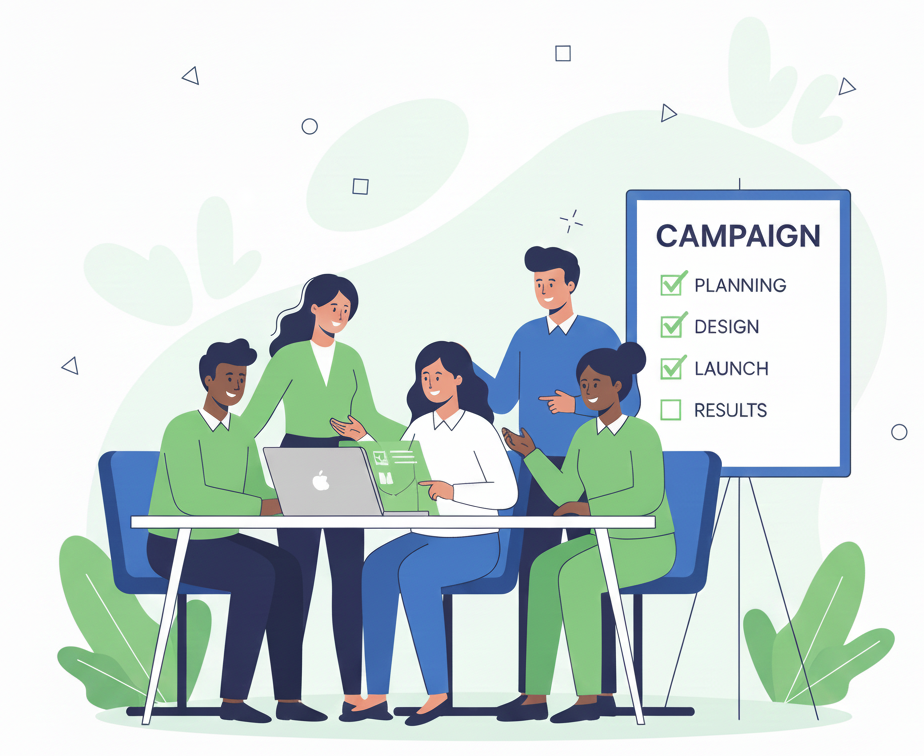
Impact scales with coordination. Assign responsibilities, invite collaborators, and keep control clear.
-
Transparency & control: define who can do what.
-
Abuse resistance: reduce risk with permission boundaries.
-
Distributed workload: content, communications, finance, and verification.
-
Global coordination: collaborate across time zones.
-
Metrics-driven decisions: track performance and act fast.
Roles & Permissions
One campaign. Multiple roles.
Custom rules.
Invite your team, assign access, and create custom roles to match your workflow.

Invite Your Team
Send invitations via email or share a secure link. Team members join instantly and you assign roles immediately.
-
Email invitations
Send personalized invites directly to team members
-
Shareable links
Generate secure links to invite multiple people at once
-
Instant access
Team members can join and start contributing immediately
Organizer
Campaign owner and primary administrator
Co-organizer
Helps manage setup, updates, and operations
Treasurer / Finance
Financial visibility and payout controls
Content / Comms
Edits story, media, updates, and page content
Signature / Verification Admin
Manages petitions, signers, and verification workflows
Volunteer / Support
Limited access to assist and monitor
Financial Control
Flexible custody rules —
you decide the governance.
Start simple and evolve into approvals or multisig when needed. Governance adapts as your campaign grows.
Single-controller withdrawals
Organizer only
Team approval workflow
Approvals before action
Multisig-ready governance
2-of-3, 3-of-5, etc.

Real-time Metrics
Metrics your whole team
can act on.
Track performance and let the right people take action without bottlenecks.
- Total raised, trend over time
- Donor activity and conversion points
- Update performance
- Petition growth (if applicable)
- Team activity overview
How it Works
Built for your workflow —
not ours.
Team Campaigns adapt to your organization's logic, no rigid workflows.
1
Create your campaign
2
Invite & assign roles
3
Configure permissions
4
Run together
Use Cases
Designed for
real world teamwork
NGOs & Foundations
Separate finance, content, and compliance roles.
Families & Emergencies
Share management with trusted relatives.
Activists & Petitions
Coordinate signatures, updates, and community outreach.
Startups & Communities
Launch initiatives with clear responsibilities and reporting.
Frequently Asked Questions
Common Questions
About Team Campaigns
Can I create custom roles?
Yes. Create roles and granular permissions to match your organization’s workflow.
Can someone view data without being able to move funds?
Yes. Use view-only and restricted roles so teams can monitor without control.
Do I need to define a strict workflow?
No. Team Campaigns adapt to different operating models.
Run your campaign like a real team.
Invite collaborators, set permissions, move faster and keep control where it belongs.